CRM Tips
Unlock Flowza’s Full Potential: 5 Productivity Tricks
June 24, 2025
54s Read
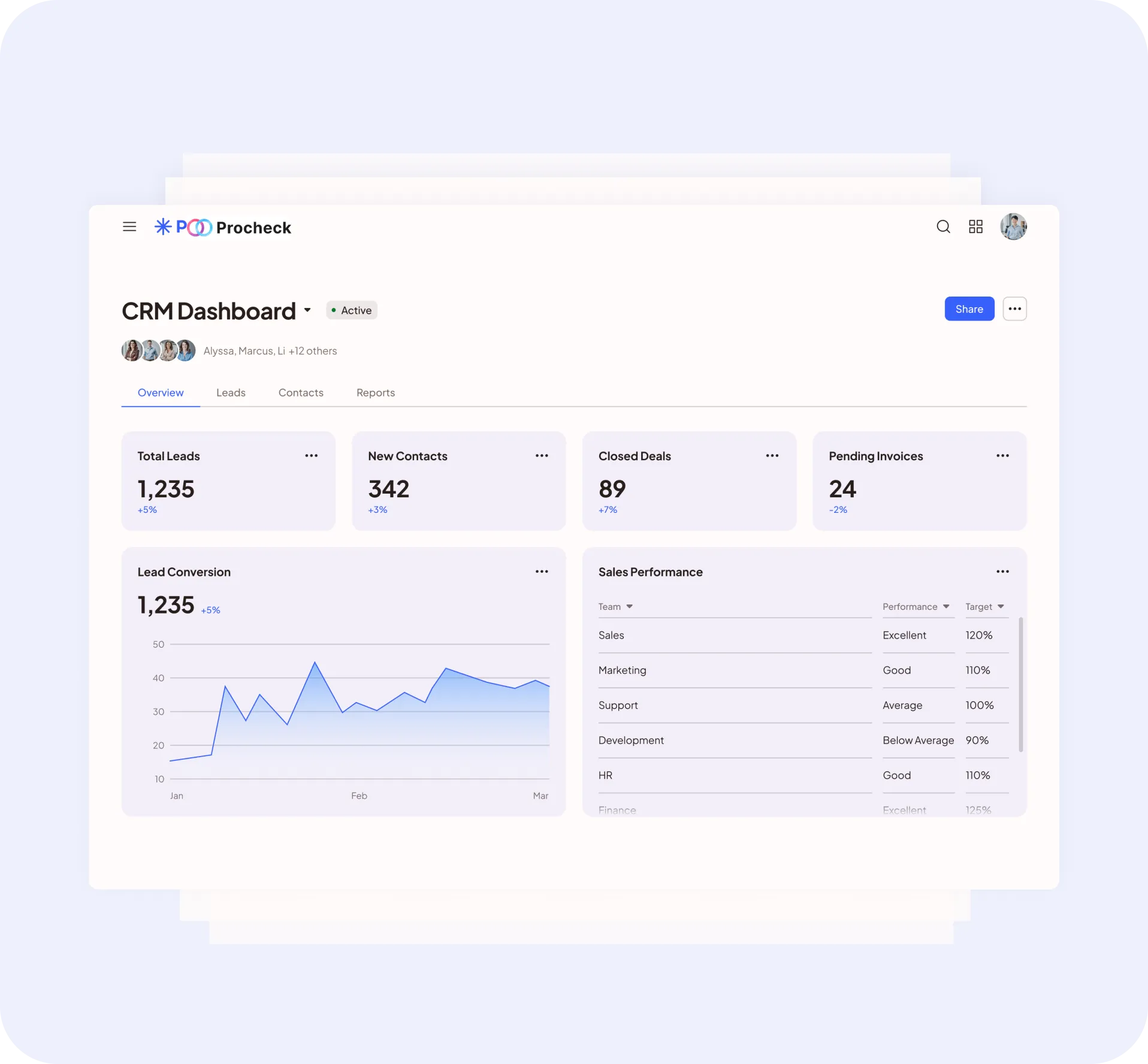
Unlock Flowza’s Full Potential: 5 Productivity Tricks You Probably Missed
Think you’re getting the most out of Flowza? Think again. These lesser-known features can seriously upgrade your team’s efficiency without adding complexity.
1. Convert Comments to Tasks in One Click
Spotted an action item in a comment? Just click “Convert to Task” and Flowza will instantly add it to your board. Zero copy-paste needed.
2. Hidden Filters for Pinpoint Clarity
Use advanced filters like “Tasks updated in the last 24 hours” to keep a real-time pulse on what’s moving (and what’s not).
3. Task Bundles for Fast Onboarding
Need to assign 10 onboarding steps to a new hire? Use a pre-built Task Bundle and launch it with a single click. Great for repeatable processes.
4. Quiet Mode Scheduling
Sometimes your team needs deep work. Quiet Mode lets you schedule notification-free windows across the team calendar—perfect for design sprints or end-of-week wrap-ups.
5. Auto-Prioritize by Due Date and Status
Let Flowza do the heavy lifting. Turn on auto-prioritization to automatically sort tasks based on urgency, due date, or custom tags. Explore These Features in Flowza
Explore more Articles
CRM Tips
5 Time-Saving Flowza Hacks Your Team Isn’t Using Right Now
CRM Tips
Five Proven Ways to Boost Your CRM Efficiency in 2025
Still not sure which plan is right for you?
Our team will build a plan tailored to your needs.